-----
Below are previous Facebook steps should you be utilizing the old Facebook interface.
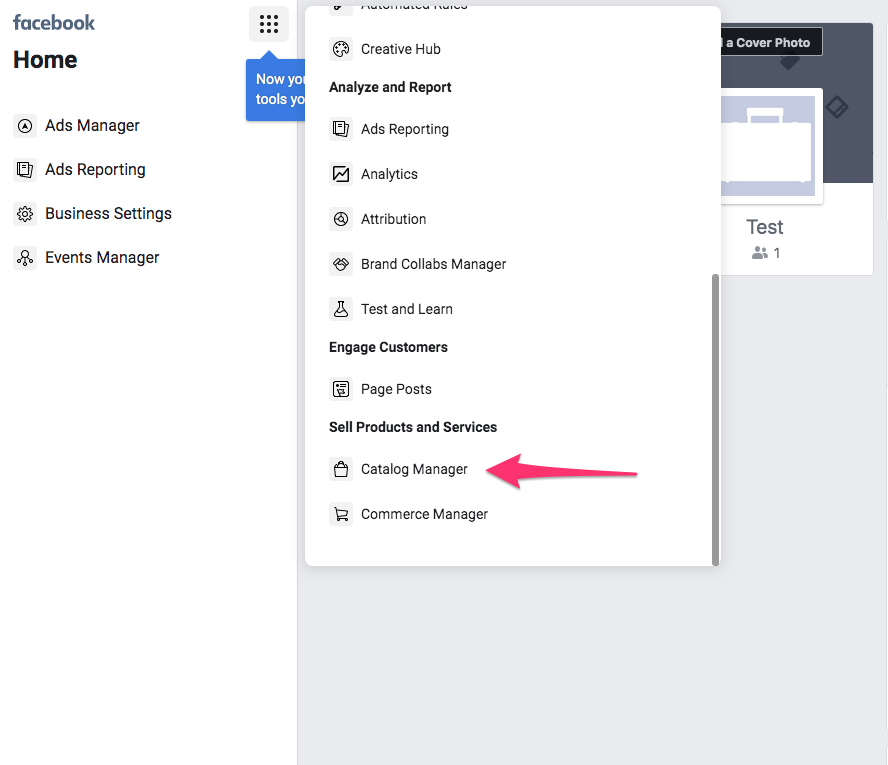
Select the Menu Icon and then Catalog Manager:
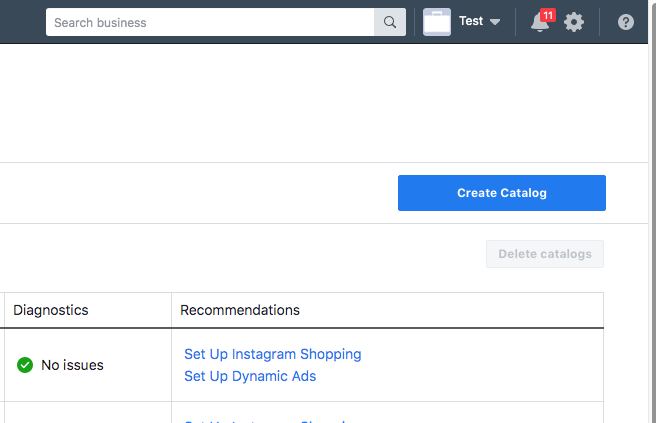
 Select Create Catalog on right side:
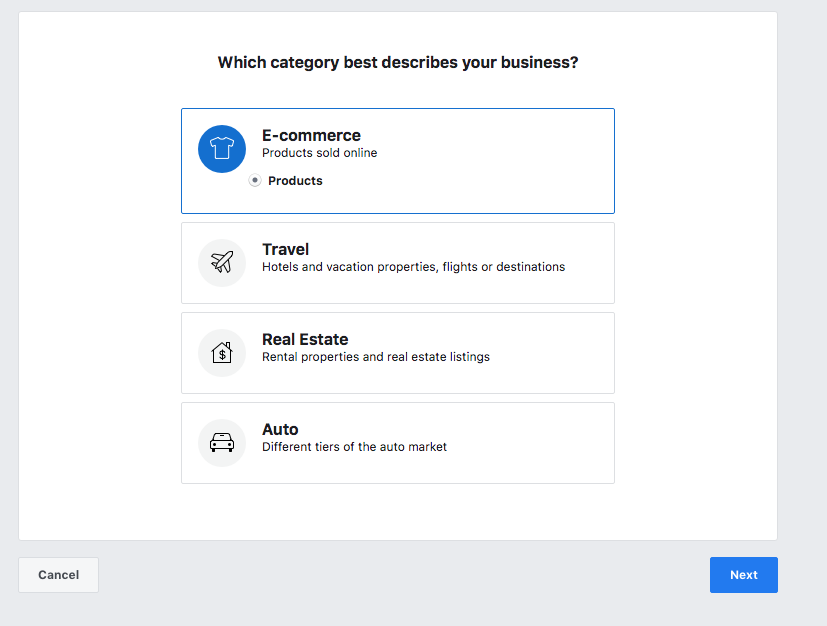
 Select Ecommerce:
 Select Upload Product Info and pick the account details and catalog name then Create:
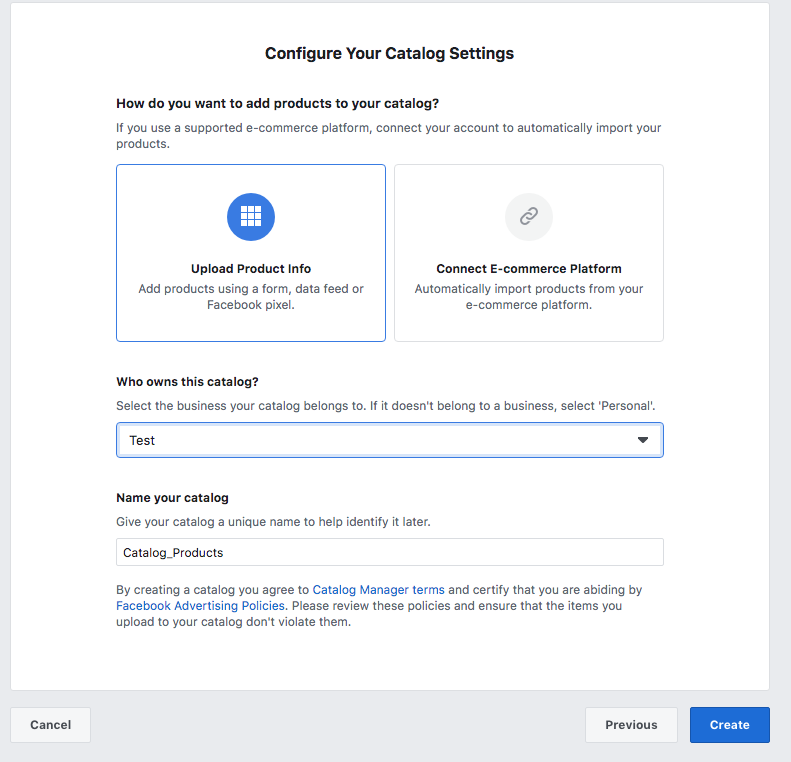 The next screen will prompt to view/process catalog. Simply click next.
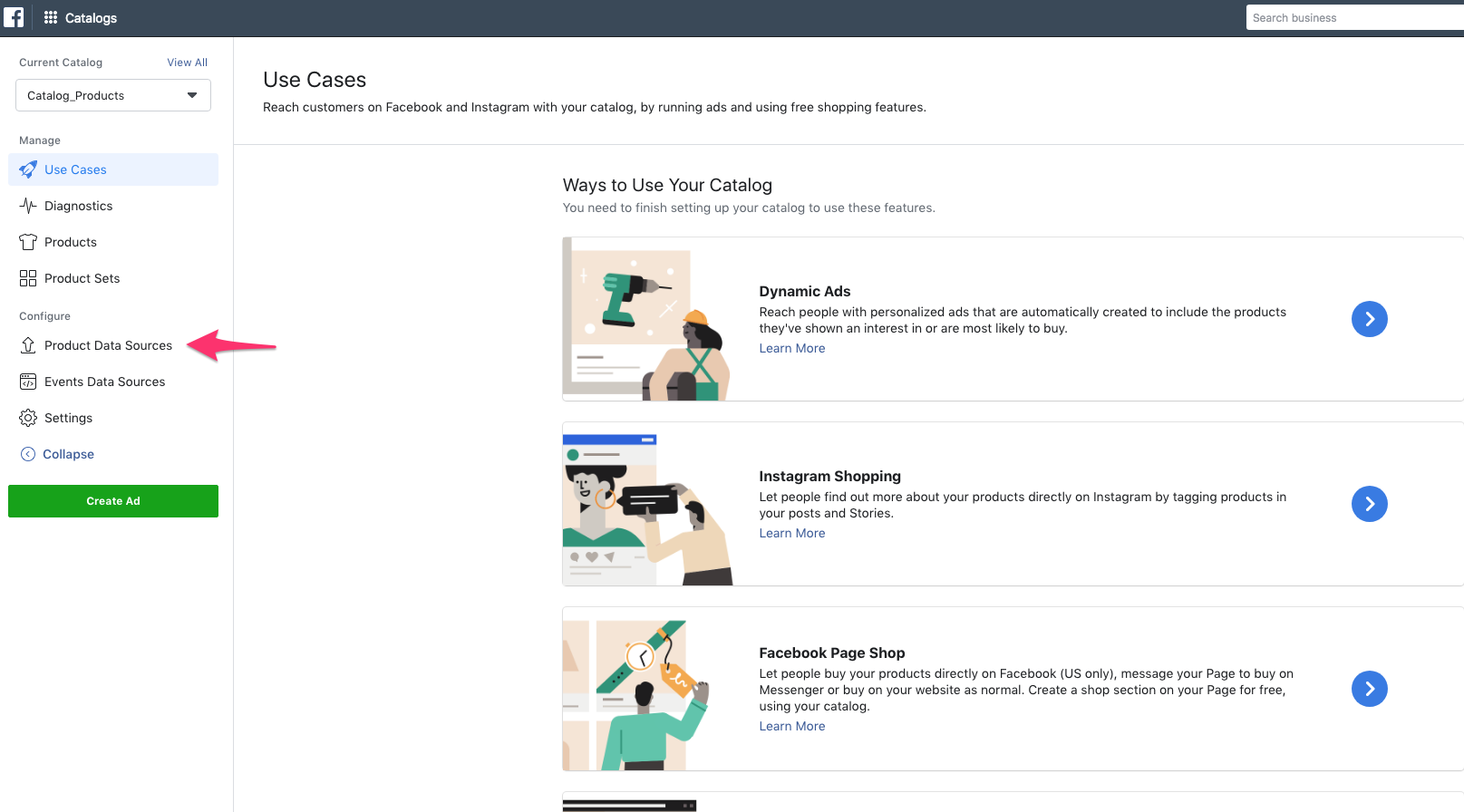
The following screen select Product Data Sources and then > Add Products:
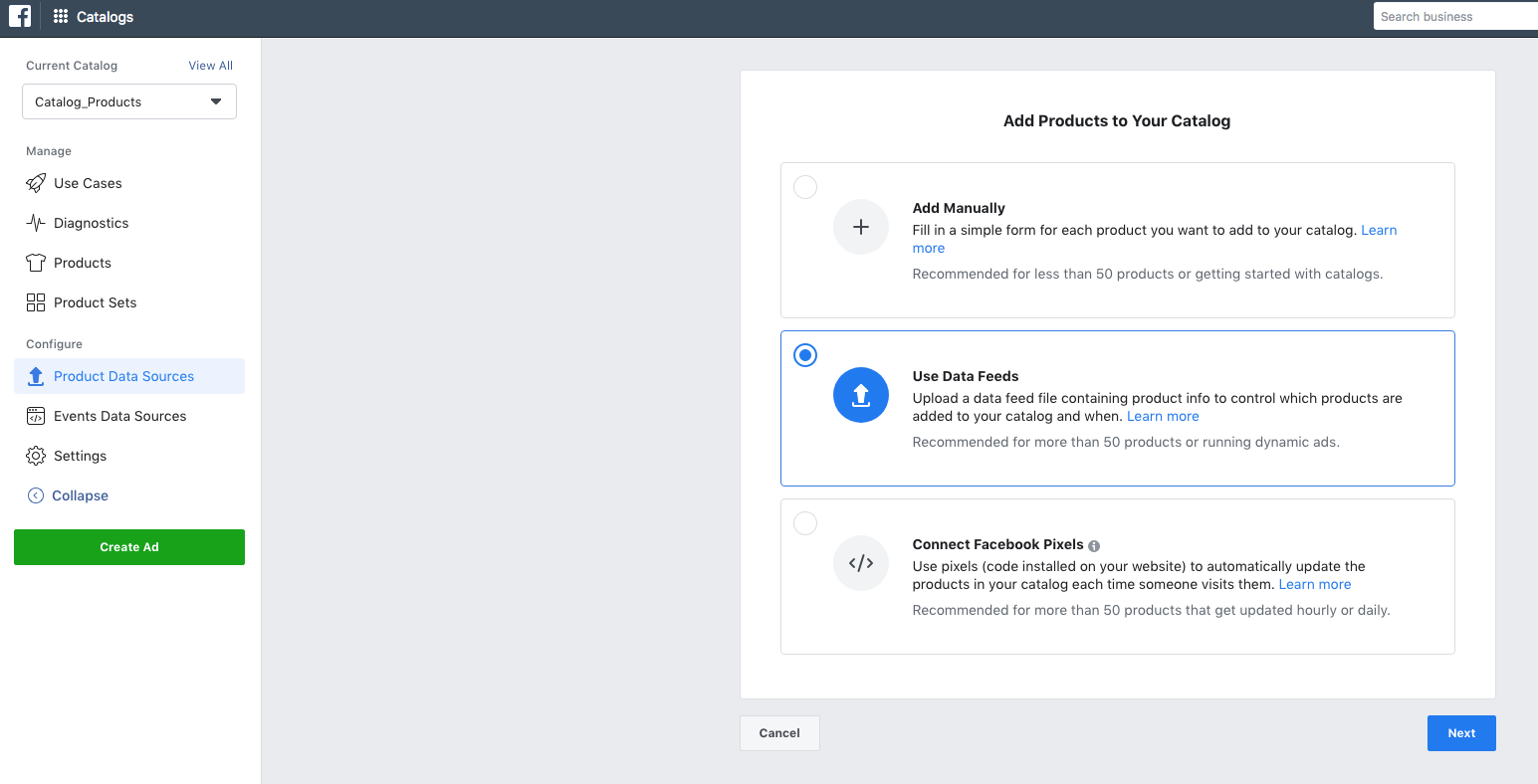
 Select Use Data Feeds:
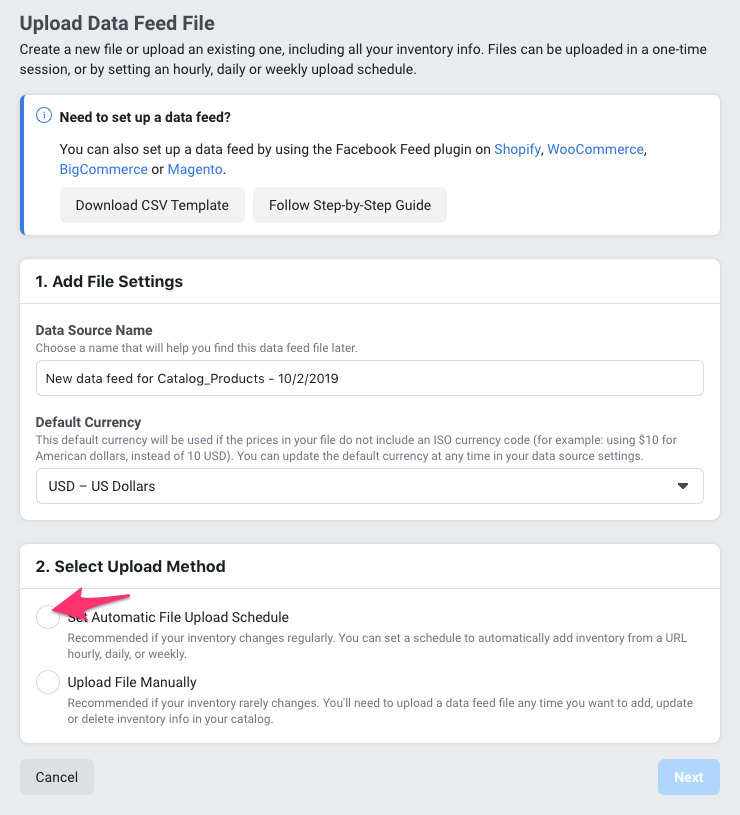
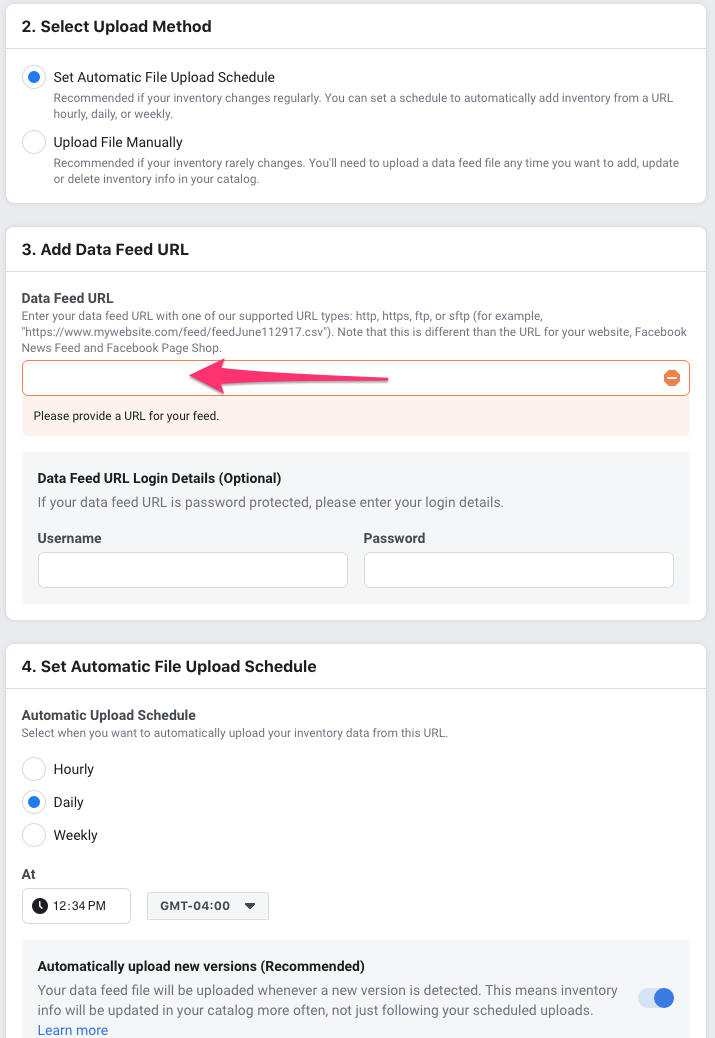
 Then select Set Automatic Upload Method:
 Paste your GMCFeed url found in your dashboard into this field (ie. https://gmcfeed.s3.amazonaws.com/exported/xxxxxxxxxxx/gmcfeed.txt)
Then select Daily. We recommend 2-3 hours after your source import time within GMCFeed.com (ie. if your Schedule import time in GMCFeed is 1AM, select 4 AM in Facebook)
 Select Upload your file.
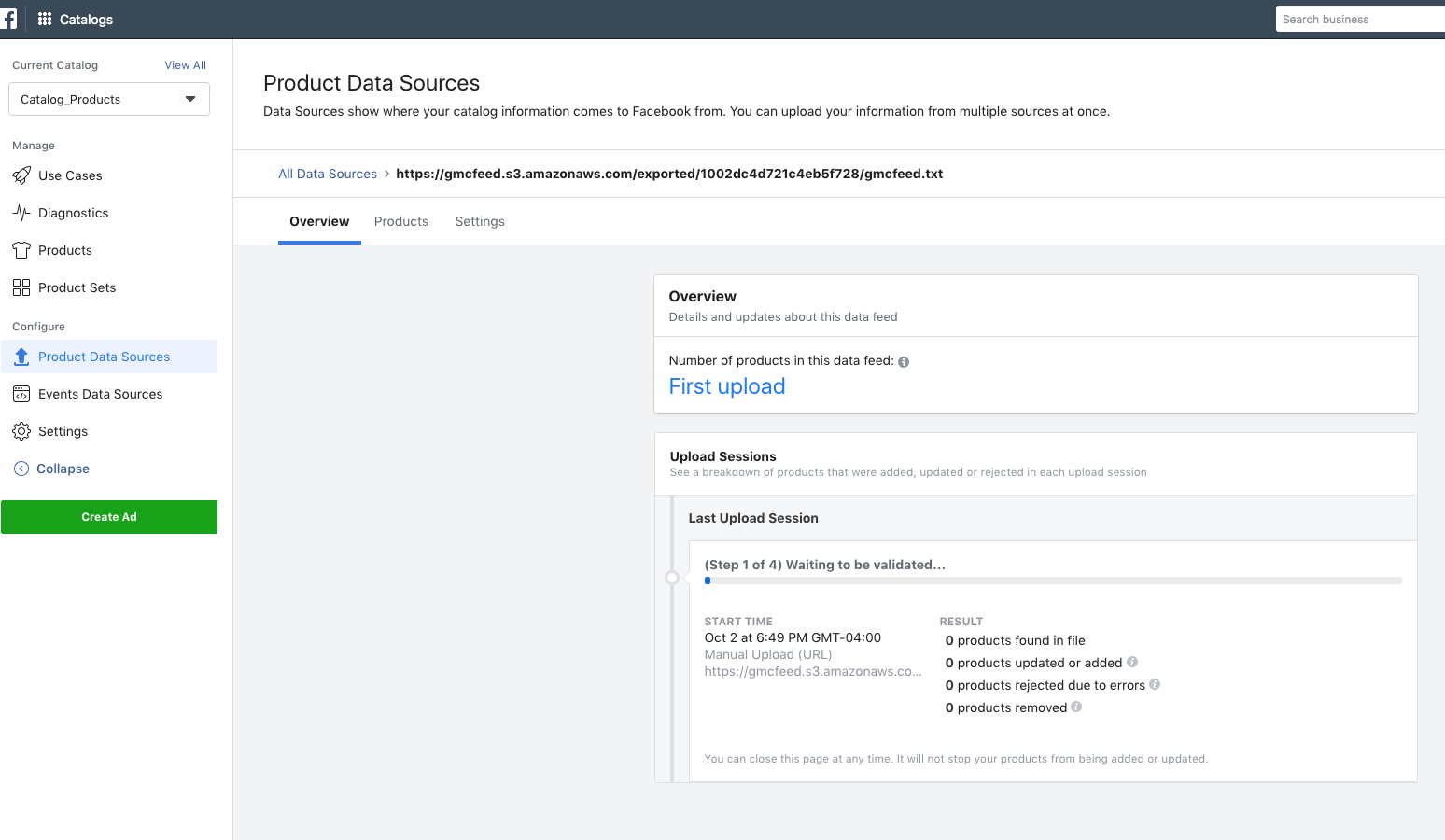
After the feed file has been processed an error screen will show processing errors. Correct the feed as required in GMCFeed.